
Digital Marketing for Small Businesses in India: Platforms, Tools and Strategy
.webp&w=3840&q=100)
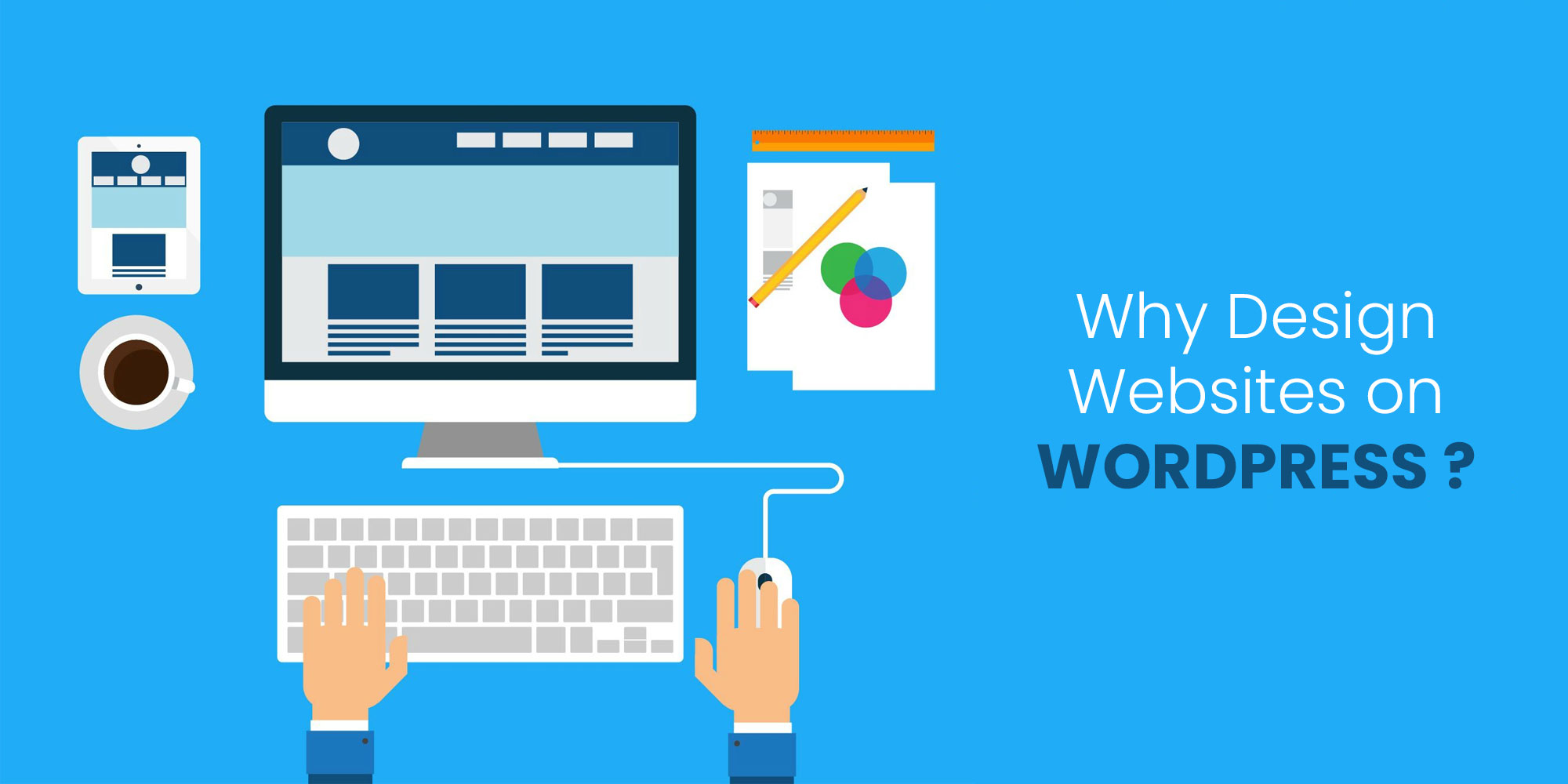

Businesses build on WordPress for three reasons that hold up under scrutiny: you own the site and can move it anywhere, almost any functionality can be added without rebuilding, and the people who can work on it are widely available and not tied to one vendor.
Those are real advantages. They come with a real cost — WordPress is a system you are responsible for maintaining — and whether the trade is worth it depends on the site. What follows is both sides.
A distinction that causes constant confusion and changes the whole answer.
WordPress.org is the open-source software. You install it on hosting you control, and you can modify anything. This is what people mean by "a WordPress site" in a professional context, and it is what this article discusses.
WordPress.com is a hosted service built on that software, run by a company, with plan-based restrictions on plugins and code. It is a website builder that happens to use WordPress underneath.
The advantages below belong to the self-hosted version. Comparisons that treat the two as interchangeable are comparing different products. The software itself, and its documentation, live at wordpress.org.
Your content lives in a database you control, in software you can export and move. If your host raises prices or degrades, you migrate. If your agency becomes difficult, you hire another — no platform is holding the site hostage.
This matters more than it seems when choosing a platform, because it is the one property you cannot add later. Every proprietary platform makes leaving harder by design.
Almost any requirement — ecommerce, memberships, bookings, multilingual content, CRM integration — has an established route, usually a plugin, sometimes custom development against documented hooks.
The practical value is that adding a requirement in year three does not mean rebuilding. Platforms that do one thing well often force a migration when the business needs a second thing.
Publishing and editing content does not require a developer. With block editing and full site editing, that now extends further than it used to — headers, footers and page templates can be edited through the interface rather than in code.
This is a real operating cost saving. Sites where every text change requires a developer ticket get updated less often, and stale sites underperform for reasons that have nothing to do with the platform.
WordPress skills are common. If a relationship ends, replacing the people is straightforward. On niche platforms the talent pool is smaller, more expensive, and occasionally a single agency.
The software is free. You pay for hosting, any premium plugins or themes, and the work. There is no per-seat licence and no revenue share, so costs do not scale punitively as the site grows.
The right comparison depends on what the site is for.
| Platform | Stronger than WordPress at | Weaker at |
|---|---|---|
| Hosted site builders | Speed to launch, no maintenance, predictable cost for simple sites | Extensibility, data portability, cost at scale |
| Dedicated ecommerce platforms | Serious retail — payments, inventory, tax, fulfilment handled for you | Content publishing, flexibility outside the store |
| Visual development tools | Design precision, clean output, no plugin maintenance | Complex functionality, editor familiarity, platform lock-in |
| Headless / custom stacks | Performance ceiling, multi-channel delivery, developer experience | Cost, time to build, needing developers for everything |
Rather than comparing feature lists, answer four questions.
Being direct about this is more useful than another list of benefits.
Nobody will maintain it. This is the decisive one. WordPress needs updates applied, backups verified and problems noticed. An unmaintained WordPress site is a security liability, and its popularity means it is scanned constantly. If no one will own maintenance, choose a platform where it is included.
The site is genuinely simple and will stay that way. A five-page brochure with no publishing, no functionality and no growth plans does not need a CMS. A hosted builder will be faster and cheaper.
Retail is the whole business. High-volume commerce with complex inventory, tax and fulfilment is better served by a platform built for it.
You need a specific application, not a website. If the requirement is a piece of software with a marketing page attached, building the application properly and using WordPress only for content — if at all — is more sensible than forcing an application into a CMS.
The specific limitations are worth reading in full before committing, and they are set out in where WordPress struggles.
Choosing WordPress means accepting an ongoing responsibility. It is not onerous, but it is not optional.
Most WordPress horror stories trace to this list being ignored rather than to WordPress itself. Sites that are updated, backed up and running a modest number of reputable plugins are not the ones that get compromised.
Choosing the platform is the start. The decisions that follow determine whether the result is a fast, maintainable site or a slow one that nobody wants to touch.
Three routes, in ascending order of cost and control: configure a well-built block theme through the site editor; take an existing theme and modify it through a child theme; or build a custom theme. Most business sites are served by the first two. Custom is warranted when requirements are genuinely unusual or performance is critical.
A site the client is afraid to edit will not be edited. Whoever builds it should set up reusable patterns for the layouts you use repeatedly, constrain the options so it is hard to break the design, and hand over with actual training rather than credentials.
This is where block editing has changed things materially. A well-configured block theme lets a marketing team build a new page from established patterns without touching code and without producing something off-brand — which was not really possible before.
WordPress handles selling through plugins, and for a services business with a handful of products that is entirely reasonable. For serious retail it means assembling and maintaining payments, tax, shipping and inventory as extensions rather than receiving them as a managed product. That is a genuine ongoing workload and it should be weighed before committing, not discovered afterwards.
Well-established plugins handle multiple languages, but this is one of the areas where the plugin approach shows its seams — translation adds complexity to every subsequent decision about themes, SEO and content workflow. Decide before launch rather than adding it later, because retrofitting multilingual support to a mature site is substantially harder than building with it from the start.
"WordPress is just for blogs." It began as blogging software roughly two decades ago. It now runs publications, ecommerce, membership sites and large corporate sites.
"WordPress sites are slow." Poorly built WordPress sites are slow — usually because of a heavy theme, too many plugins and unoptimised images. A well-built site on decent hosting is fast. The platform is rarely the constraint.
"WordPress is insecure." Core is actively maintained and patched. The vulnerabilities that get exploited are overwhelmingly in outdated plugins and themes, and in weak credentials. Its ubiquity makes it a common target, which is not the same as being inherently insecure.
"WordPress is free." The software is. Hosting, premium extensions, development and maintenance are not. It is usually cost-effective, not free.
"You need a developer for everything." Content, and increasingly layout, can be handled by the site owner. Custom functionality and building or customising a theme still call for one.
WordPress is often described as "good for SEO", which is true in a narrower sense than the phrase implies. It does not make a site rank. What it does is remove obstacles and make the necessary work straightforward.
What you get from the platform: clean, controllable URL structures; the ability to edit titles and meta descriptions per page without a developer; automatic XML sitemap generation; a publishing workflow that makes maintaining content practical; and mature plugins handling structured data, redirects and canonical tags.
What the platform does not give you: content worth ranking, links, or a fast site. A WordPress installation running a bloated theme and twenty plugins will lose to a well-built site on almost any platform.
Plugin sprawl slowing the site. Page experience is a ranking consideration, and each plugin adds requests and processing. The sites that struggle here almost always have plugins nobody remembers installing.
Duplicate content from archives. WordPress generates category, tag, author and date archives automatically. Left unmanaged, these create numerous thin pages competing with the content they list. Decide which archives serve a purpose, and prevent the rest from being indexed — this is a five-minute configuration that many sites never do.
If you choose it, a few decisions determine most of the outcome.
Hosting matters more than people expect. Cheap shared hosting is the most common cause of slow WordPress sites. Managed WordPress hosting costs more and typically includes updates, backups, staging and caching — frequently cheaper overall than the alternative once someone's time is counted.
Keep the plugin count deliberate. Before installing, ask whether the need is genuine, whether the plugin is actively maintained, and whether it duplicates something you already run. Audit periodically and remove what is unused — deactivated plugins should be deleted, not left in place.
Choose the theme for its code, not its demo. Multipurpose themes bundling dozens of features carry all of that weight whether or not you use it. A focused theme, or a custom one, is usually faster and easier to maintain. Check when the theme was last updated and whether its developer is still active before committing to it.
Do not put functionality in the theme. Custom post types and business logic belong in a plugin, so switching themes does not remove them.
Plan the migration properly if you are moving an existing site. Platform changes usually mean URL changes, which is where search traffic is lost — the mechanics are in planning the migration.
Most WordPress projects are replacements rather than first websites, and the migration carries more risk than the build.
Content usually imports, but not cleanly. Importers exist for common platforms and handle the bulk. What they handle poorly is formatting inside posts, embedded media, custom fields and anything the old platform stored in a proprietary way. Budget time for reviewing imported content rather than assuming it arrives intact.
URL structure is the real decision. Platforms impose different URL patterns, so a migration usually changes URLs whether you intend it or not. Map every existing URL to its new location and redirect accordingly. This single task determines whether you keep your search traffic.
Rebuild functionality deliberately. Forms, integrations and anything custom on the old platform needs a WordPress equivalent chosen rather than approximated at the last minute. Make the list during planning.
Keep the old site accessible until you are confident. Not publicly, but somewhere you can check what a page used to contain. Questions about missing content surface for weeks after a migration, and being able to answer them quickly is worth the hosting cost.
Three reasons that hold up: you own the site and can move it to any host or agency; almost any functionality can be added later without rebuilding; and non-technical people can publish and edit without a developer. The trade-off is that you are responsible for maintaining it.
Ownership and portability, extensibility through plugins and custom development, an editing experience non-technical staff can use, wide availability of people who can work on it, and a cost structure with no licence fees or revenue share. The benefits belong to self-hosted WordPress.org, not the hosted WordPress.com service.
Better for sites that publish content regularly, need to extend over time, or must remain portable. Hosted builders are better when the site is simple, must launch quickly, and nobody will maintain it. Dedicated ecommerce platforms are better when retail is the whole business.
Core is actively maintained and patched. Almost all compromises exploit outdated plugins and themes or weak credentials rather than WordPress itself. A site that is kept updated, backed up, and running a modest number of reputable plugins is not unusually exposed.
Not inherently. Slow WordPress sites usually result from a heavy multipurpose theme, an excess of plugins, unoptimised images and cheap hosting. A focused theme on decent hosting performs well; the platform is rarely the limiting factor.
Answer two questions honestly. Will you publish content regularly, or is this a static brochure? And who, by name, will apply updates and check backups?
If the answers are "yes, regularly" and "we have someone", WordPress is a strong choice. If they are "no" and "nobody", a hosted platform will serve you better, and choosing it is not a compromise.
Most of the regret people express about platform choices traces to one of those two questions being answered optimistically rather than honestly at the outset — usually the second one, where maintenance is assumed to be somebody's job without anybody being named.
If WordPress is the right fit and the constraint is building and maintaining it properly, that is what our WordPress design and development work covers — including the maintenance side, which is the part that determines whether the choice pays off.
Our 4.8 average client rating is built on delivering the results we promise. From SEO rankings and lead generation to web development and paid marketing, our clients across 40+ countries have shared their experience publicly.
4.8

Digital Marketing and SEO Agency Reviews about SIB Infotech


Rupesh Maniar
Real Value Finloan Services Pvt. Ltd.
SIB Infotech has designed website for our company. We are very happy with outcome. They are not only professional but also putting their heart into work. We will always refer them for quality work and perfect price.
Reviewed From


Tima Elhajj
CEO & Founder, Tima Media
The client loved the platform that the SIB Infotech team developed for them, especially the calculator function. The company appreciated the team's high level of professionalism, communication, and care on the project. They are happy and willing to work with the team again.
Reviewed From