
ADworld Experience 2026: What I Learned About PPC, AI, Automation, and Creative Strategy
.webp&w=3840&q=100)
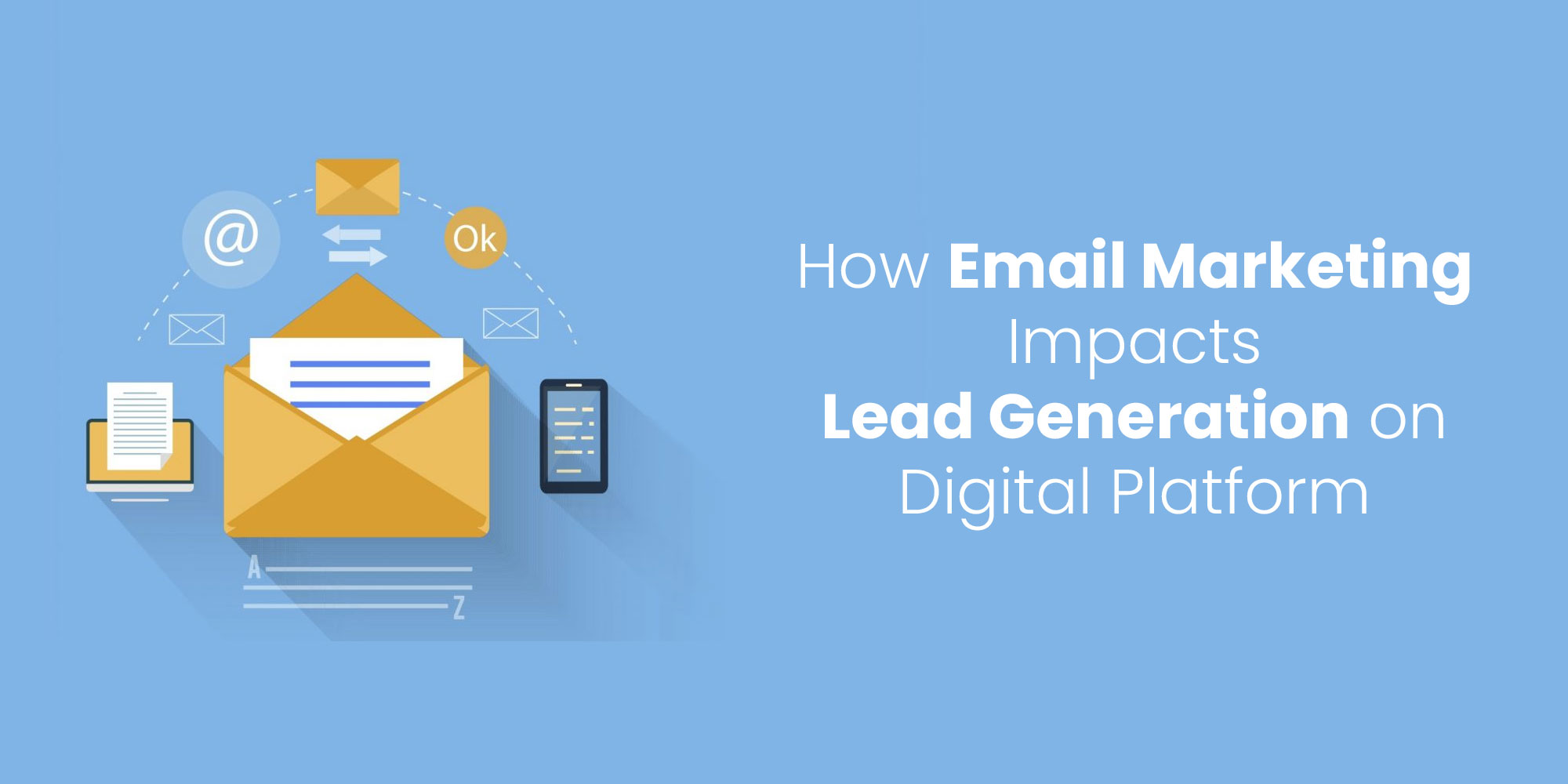

Email marketing works when three things are true: the message reaches the inbox, the person genuinely asked to hear from you, and what you send is worth the interruption. Most advice concentrates on the third. The first is where campaigns quietly fail, and the rules governing it changed in a way that made a lot of older guidance wrong.
This covers what actually determines results now — deliverability, permission, segmentation, the email itself, and what to measure given that the metric everyone reports is no longer trustworthy.
In 2024, Gmail and Yahoo introduced enforced requirements for bulk senders. This was the largest change to email marketing in a decade, and it converted several things that used to be recommendations into conditions for being delivered at all.
You need three DNS records working together:
The detail that catches people out is alignment. The domain in your visible From: header must align with the SPF domain or the DKIM domain. Plenty of setups pass SPF and DKIM individually while failing DMARC because the sending platform authenticates against its own domain rather than yours. Check alignment specifically, not just whether each record exists. Google's email sender guidelines and the Yahoo Sender Hub both set this out.
Marketing and subscribed messages must implement a functioning List-Unsubscribe header supporting one-click unsubscribe, and carry a clearly visible unsubscribe link in the body. Both, not either.
Teams resist this because making unsubscribing easy feels like losing subscribers. It is the opposite: when leaving is hard, people report the message as spam instead, and complaints do far more damage than an unsubscribe does. An unsubscribe removes one address. A complaint damages your sending reputation for everyone.
Both providers expect spam complaint rates, as reported in Google Postmaster Tools, to stay under 0.30%. That is three complaints per thousand delivered messages, which is a lower ceiling than it sounds once you are sending at volume.
Complaint rate is the metric that should govern your sending decisions, because it is the one with consequences. Every practice below — permission, segmentation, cadence, list hygiene — is ultimately a way of keeping it low.
Send marketing campaigns and transactional messages — receipts, password resets, booking confirmations — from different subdomains. They have different reputations and different tolerances.
The reason is asymmetric risk. Transactional mail must arrive; a password reset landing in spam is a support incident. Marketing mail carries a complaint rate that transactional mail does not. Sharing a sending domain means one bad campaign can push password resets into spam folders for weeks. Separating them contains the blast radius, and it costs nothing but a DNS record and a configuration change.
If you are moving to a new sending domain or platform, do not send to the whole list on day one. A domain with no sending history that suddenly transmits fifty thousand messages looks exactly like a compromised account, and receiving servers treat it accordingly.
Start with your most engaged segment — recent openers and clickers — at low volume, and increase over two to four weeks. Early positive engagement is what establishes the reputation that later, larger sends depend on. Teams migrating platforms routinely skip this and then conclude the new platform has poor deliverability, when the actual cause was the migration pattern.
How an address entered your list predicts almost everything about how it will behave. Addresses that actively asked to hear from you open, click and complain rarely. Addresses that were scraped, purchased, or added because someone downloaded one file three years ago do the opposite.
A large inactive list is a liability, not an asset. Subscribers who have not opened anything in six to twelve months depress your engagement signals and raise your complaint risk. Run a re-engagement sequence, then remove those who do not respond.
Deleting addresses is uncomfortable — the number goes down. Deliverability usually goes up, and deliverability is what determines whether the remaining subscribers hear from you at all.
The quality of what arrives depends heavily on where people sign up. If your signup sits on a page that is vague about what subscribers get, you will collect addresses that complain later; the same principles that govern the page people land on to sign up apply directly.
Sending everything to everyone is the most common cause of both poor performance and rising complaints. Segmentation is the highest-leverage change available to most senders, and it does not require better writing.
Segment on behaviour and situation rather than demographics:
| Segment by | Example | Why it works |
|---|---|---|
| Engagement recency | Opened or clicked in last 90 days | Protects reputation by concentrating sends on people who want them |
| Lifecycle stage | New subscriber, active customer, lapsed | The same message is wrong for all three |
| Stated interest | Chose a topic at signup | Uses consent you already have rather than inferring |
| Behaviour on site | Viewed a service page repeatedly | Signals intent without needing them to declare it |
Start with engagement recency if you do nothing else. Simply excluding the long-dormant from routine sends improves both deliverability and the honesty of your reporting.
Be specific rather than clever. A subject that describes what is inside outperforms one engineered to create curiosity, because curiosity gaps that do not pay off train people to stop opening. Avoid manufactured urgency, avoid ALL CAPS, and avoid a subject that promises something the body does not deliver — that is the fastest route to complaints.
The preview line is the second half of the subject and is routinely wasted on "View this email in your browser." Write it deliberately. It should extend the subject rather than repeat it.
Every email should have a single primary action. Emails offering five equally weighted options reliably produce fewer clicks than emails offering one, because a choice between options is a harder decision than a choice about whether to act.
Most people read on a phone, in a list, quickly. The reason to care belongs in the first two lines, not after a paragraph of preamble. If the message only makes sense after scrolling, it will not make sense.
Email is a personal medium and reads badly in corporate register. Short sentences, plain words, and a real sender name rather than a department. Emails that read as though a person wrote them to another person outperform emails that read as though a committee approved them.
Template design is where teams spend disproportionate effort for modest return. What genuinely affects results is narrower than most template galleries suggest.
A restrained template you reuse consistently beats a bespoke design per campaign. Consistency makes you recognisable in a crowded inbox, and it removes design from the critical path of shipping.
Test rendering across at least Gmail on Android, Gmail on iOS, Apple Mail and Outlook before committing a template to a series. Outlook remains the one most likely to break a layout that looked correct everywhere else.
Broadcast sends — one message to a list on a date — are the least effective use of email. Sequences triggered by behaviour do the work, because they arrive when the recipient is already thinking about the subject.
Three sequences justify their setup cost for most businesses:
The period immediately after signup is when engagement is highest and will never be higher. A short sequence — three to five emails — that establishes what you do, demonstrates it concretely, and makes clear what happens next converts far better than dropping new subscribers into a general newsletter.
For considered purchases, most enquiries are not ready to buy. A nurture sequence maintains contact by being useful rather than by asking repeatedly. The job is to be the firm they remember when the need becomes urgent, which requires patience and a genuine willingness to send something with no ask attached.
Two or three emails to subscribers who have gone quiet, explicitly acknowledging the silence and asking whether they want to stay. Then remove those who do not respond. This is list hygiene and it protects everything else.
Email is usually the last step in a chain rather than the whole chain — someone finds the site, becomes identifiable, then gets nurtured by email. The earlier stage of that chain is a separate problem, covered in turning site visitors into leads.
Apple's Mail Privacy Protection pre-fetches images regardless of whether the recipient opened the message. Because open tracking works by loading a tiny image, opens are recorded for people who never opened anything. Open rate is inflated by an unknown and inconsistent amount.
This has practical consequences. Do not optimise subject lines on open rate. Do not build automation triggers on opens. Do not report open rate as a performance measure to anyone making decisions with it.
Use instead:
| Metric | Why it holds up |
|---|---|
| Click-through rate | Requires a deliberate action that cannot be pre-fetched |
| Conversion rate | Measures the outcome rather than the interaction |
| Complaint rate | The metric with real consequences for deliverability |
| Unsubscribe rate | An honest signal that frequency or relevance is off |
| List growth net of churn | Gross signups hide an unhealthy list |
Tag campaign links with UTM parameters so that email-driven sessions are identifiable in analytics rather than merging into direct traffic. Google Analytics documents the parameters; agree a naming convention before the first send rather than reconstructing one later.
List-Unsubscribe header present and functionalSending more when results drop. Increasing frequency to compensate for weak engagement raises complaints and worsens deliverability. The usual correct response is to send less, to fewer people, with more relevance.
Treating the list as a number to grow. A list is an asset only to the extent that it is engaged. Growth achieved by weakening consent is negative growth.
Optimising subject lines against open rate. Measuring against a number that no longer means what it used to, and drawing confident conclusions from it.
One template per campaign. Design effort spent where it has least effect, while segmentation — where it has most — goes untouched.
Ignoring the reply address. Sending from a no-reply address discards genuine responses and signals that the relationship runs one way.
Email is a retention and nurture channel. It is poor at generating demand from people who have never heard of you, because reaching strangers by email without consent is both ineffective and, in many jurisdictions, unlawful.
If you have no list and need results this quarter, email is not the answer — search and paid channels are. Build the list in parallel, and email becomes valuable once there is something to send to.
Equally, if your product has a single one-off purchase with no repeat cycle and no referral dynamic, the case for sustained email investment is weak. Be honest about that rather than maintaining a newsletter out of obligation.
In order: authenticate your domain with SPF, DKIM and DMARC and confirm alignment; only email people who genuinely opted in; segment by engagement recency so dormant addresses are excluded; write one email with one clear action; and manage to complaint rate rather than open rate. Deliverability first, because the rest is irrelevant if the message does not arrive.
At the frequency you promised at signup, and consistently. There is no universal correct number. Watch unsubscribe and complaint rates — if either rises after a frequency increase, you have exceeded what that audience accepted.
Almost certainly Apple Mail Privacy Protection, which pre-fetches tracking images whether or not the recipient opened the email. Open rate is inflated by an inconsistent amount and should not be used as a performance metric or as an automation trigger.
No. A single, well-tested, single-column template reused consistently outperforms bespoke designs. What matters is that it renders with images blocked, uses real text rather than images of text, has tappable buttons and sufficient contrast. Consistency also makes you recognisable in the inbox.
No. Purchased addresses have not consented, complain at rates that breach the 0.30% threshold, and often contain spam traps that trigger blocklisting. The damage extends to your entire sending domain, including messages to people who did opt in.
Check two things this week. First, whether your domain passes DMARC with proper alignment — plenty of senders assume this is handled and it is not. Second, your complaint rate in Postmaster Tools. Those two numbers determine whether anything else you do with email has a chance of working.
If authentication, segmentation and sequence setup are beyond what the team can maintain alongside everything else, our email marketing services cover the technical setup and the ongoing programme together, since the two fail as a pair when they are split.
Our 4.8 average client rating is built on delivering the results we promise. From SEO rankings and lead generation to web development and paid marketing, our clients across 40+ countries have shared their experience publicly.
4.8

Digital Marketing and SEO Agency Reviews about SIB Infotech


Rupesh Maniar
Real Value Finloan Services Pvt. Ltd.
SIB Infotech has designed website for our company. We are very happy with outcome. They are not only professional but also putting their heart into work. We will always refer them for quality work and perfect price.
Reviewed From


Tima Elhajj
CEO & Founder, Tima Media
The client loved the platform that the SIB Infotech team developed for them, especially the calculator function. The company appreciated the team's high level of professionalism, communication, and care on the project. They are happy and willing to work with the team again.
Reviewed From